
 Vessel
Your videos.
All in one place.
Vessel turns the videos on your PC, your drives and your phone into a library you'll actually enjoy browsing. No accounts, no ads, and it works offline.
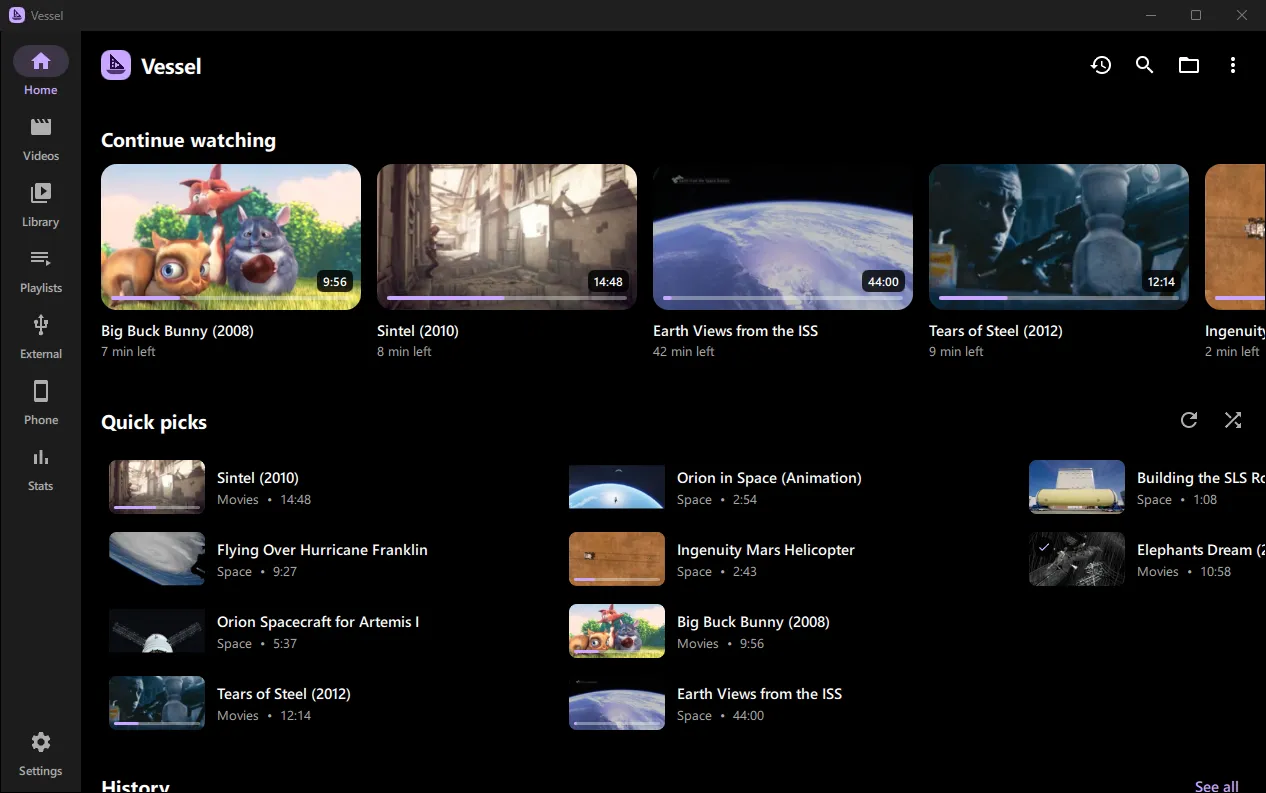
A library, not a file list
Vessel finds the videos in your Videos folder and keeps up as you add more.
Thumbnails for everything
Every video and folder gets a picture, made in the background and remembered, so the library opens instantly.
Continue watching
Pick up where you left off, from Home or any folder. Finished videos are marked as watched.
Drives and phones
Plug in a USB drive or an Android phone and its videos appear. Phone videos play straight off the phone, no copying.
Search, sort and filter
Find anything by title or folder, ignoring accents and punctuation. Sort by name, length, size or release year.
Subtitles that find themselves
Subtitle files that belong to a video are spotted, even in a Subs folder, and offered the first time you play it.
Private by design
Your library, history and thumbnails stay on your device. Vessel only goes online to check for a newer version, or when you ask it to find subtitles. Privacy policy
Made for watching
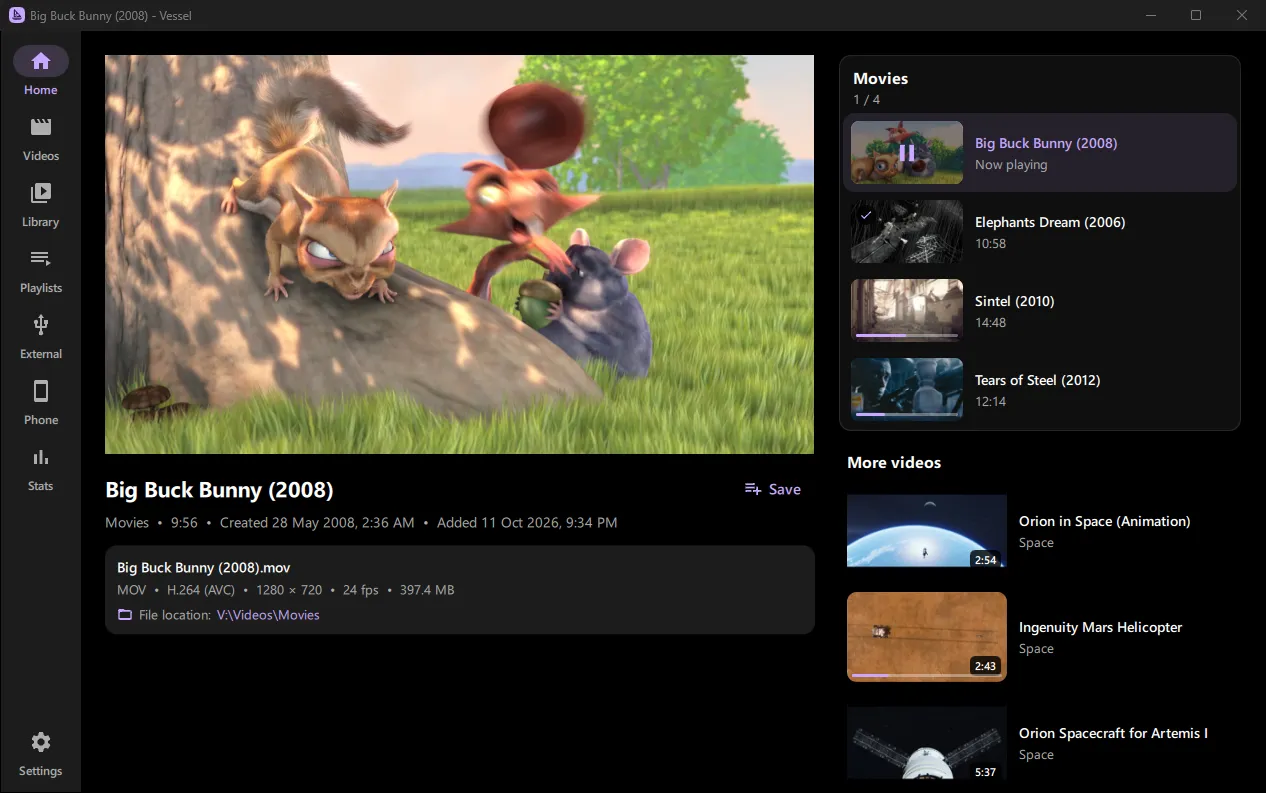
Plays just about any video file, smoothly, and stays out of the way.
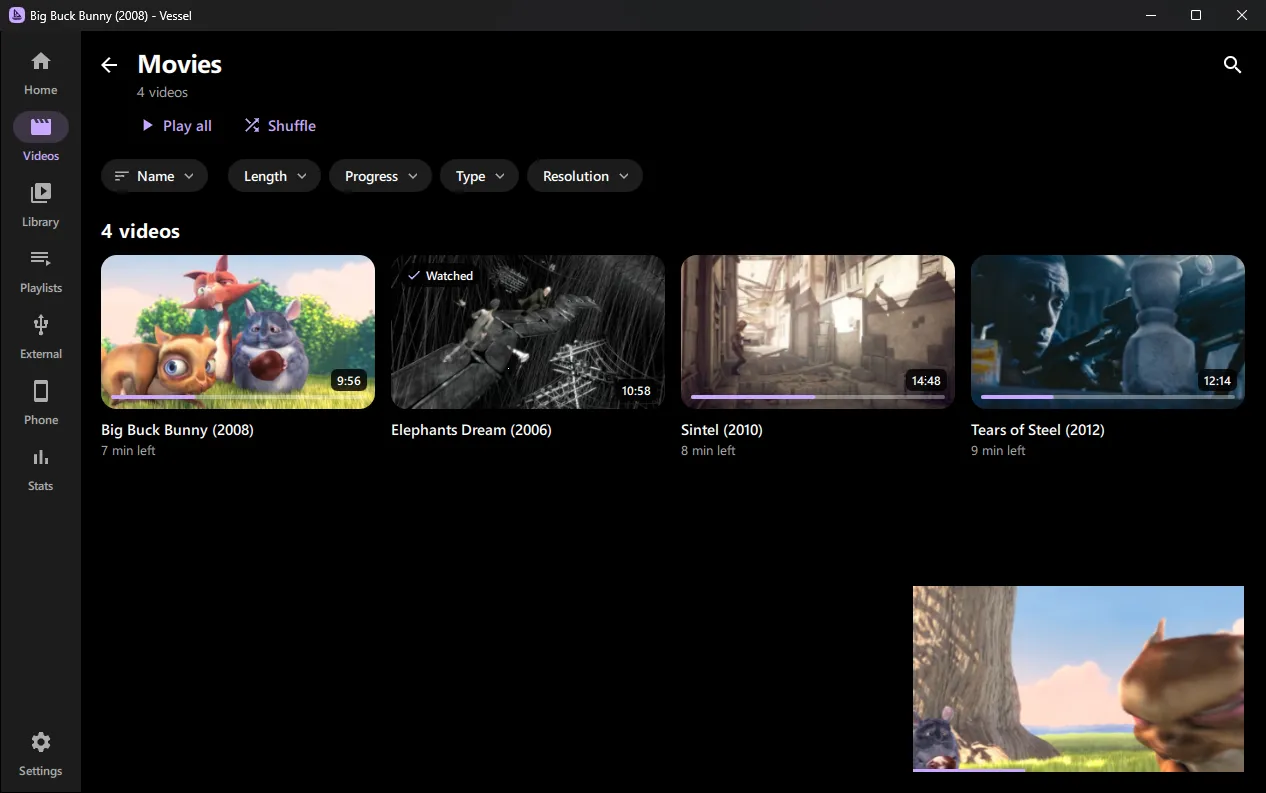
- Mini player: keep browsing while it plays
- Up next from the same folder, with autoplay
- Seek previews when you hover the timeline
- Media keys and the Windows media flyout
- Swipe and double-tap to skip, go full screen or shrink it
- Shortcuts: Space play, J/L skip, F full screen
Every folder, at a glance
Browse folder by folder, or sort and filter a whole folder tree in one grid.
Also on Android
The same Vessel on your phone, for the videos on its storage and SD card. Install it from here.
- Your phone's videos as a library, by folder, kept up to date
- Continue watching and Quick picks on Home
- Mini player and picture-in-picture
- Swipe to seek, double-tap to skip, turn sideways for full screen
- Plays in the background, with lock screen controls
- Open with Vessel from your file manager
Under the hood
Vessel for Windows is written in C++ with Qt Quick, and plays video with libmpv, the engine behind mpv, so it handles just about any format. On Android it's Kotlin and Jetpack Compose, playing with ExoPlayer and handing anything ExoPlayer can't play to libmpv. The source ison GitHub.
Ready to watch?
Windows says it "protected your PC"?
That's because the installer isn't signed with a paid certificate yet, not because anything is wrong with it. Click More info, then Run anyway.
To uninstall, go to Settings › Apps › Installed apps, find Vessel, and choose Uninstall.
Installing on Android?
Open the downloaded Vessel.apk. The first time, Android asks you to allow your browser to install apps: turn on Allow from this source, then go back and tap Install.
Already have Vessel? Installing a newer version updates it and keeps your history and settings. Or use Jeti, which installs and updates it for you.
Videos in the screenshots: Big Buck Bunny, Elephants Dream, Sintel andTears of Steel © Blender Foundation, CC BY 3.0(studio.blender.org). Space footage courtesy of NASA.